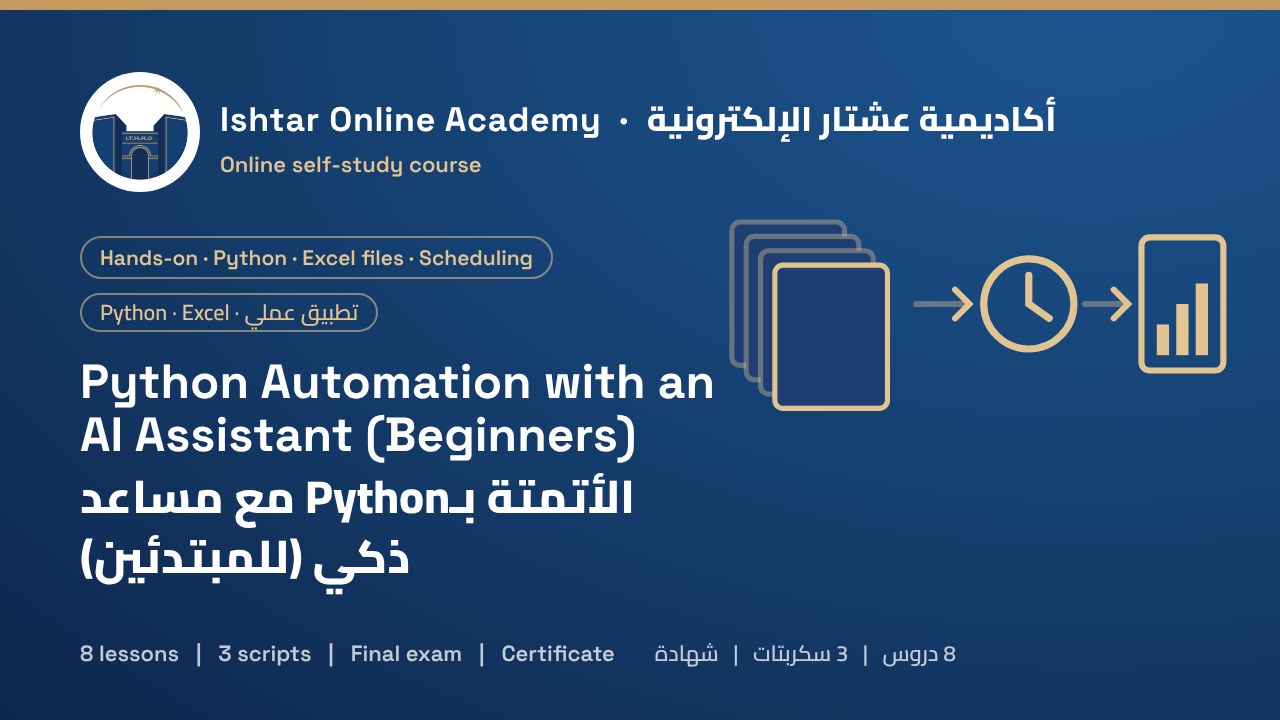
About this courseعن الدورة
Many office jobs include the same file work every week: collecting branch files, copying them into one sheet, fixing dates, building a summary. With an AI assistant, you can now automate that work with Python even if you have never programmed, as long as you know how to ask, check and test.
You follow Al-Zawraa Pharmacies, an example chain with five branches in Baghdad that each send a daily sales file. You install Python and VS Code, create a project environment and run your first four-line script. You learn how to write a coding request the AI can follow (goal, exact input and output, safety rules, business rules and expected problems) and how to read a script before running it: does it delete, overwrite or send anything, and which folders does it touch? Then you build three scripts. The first tidies a messy folder by type and date, with a dry run and a log for undoing. The second merges 35 Excel files into one table, reports files with missing columns or sent twice, and keeps real duplicate sales. The third builds a formatted weekly report with a chart. You schedule the scripts with Windows Task Scheduler or cron, with a log of every run, and learn to read errors, ask the AI for fixes and keep the work maintainable.
Every lesson has illustrated step-by-step screens, complete working scripts, short narrated videos and knowledge checks. Starter files include the three scripts, 35 sample branch files with deliberate problems, a messy folder to tidy and the scheduler files. The course ends with a 15-question final exam.
تتضمن وظائف مكتبية كثيرة العمل نفسه بالملفات كل أسبوع: جمع ملفات الفروع ونسخها إلى ورقة واحدة وإصلاح التواريخ وبناء ملخص. ومع مساعد ذكي يمكنك اليوم أتمتة هذا العمل بـPython حتى لو لم تبرمج من قبل، ما دمت تعرف كيف تسأل وتراجع وتختبر.
تتابع «صيدليات الزوراء»، وهي سلسلة مثال لها خمسة فروع في بغداد يرسل كل منها ملف مبيعات يومياً. تثبّت Python وVS Code وتنشئ بيئة للمشروع وتشغّل سكربتك الأول من أربعة أسطر. وتتعلم كتابة طلب برمجي يستطيع الذكاء الاصطناعي اتباعه (الهدف والمدخل والمخرج بالضبط وقواعد الأمان وقواعد العمل والمشكلات المتوقعة)، وكيف تقرأ السكربت قبل تشغيله: هل يحذف أو يستبدل أو يرسل شيئاً، وأي مجلدات يمسّ؟ ثم تبني ثلاثة سكربتات: الأول يرتّب مجلداً فوضوياً حسب النوع والتاريخ مع تشغيل تجريبي وسجل للتراجع، والثاني يدمج 35 ملف Excel في جدول واحد ويبلغ عن الملفات الناقصة أعمدةً أو المرسلة مرتين ويُبقي المبيعات المكررة الحقيقية، والثالث يبني تقريراً أسبوعياً منسقاً مع مخطط. ثم تجدول السكربتات عبر Task Scheduler في Windows أو cron مع سجل لكل تشغيل، وتتعلم قراءة الأخطاء وطلب الإصلاح من الذكاء الاصطناعي والحفاظ على قابلية الصيانة.
في كل درس شاشات توضيحية خطوة بخطوة، وسكربتات كاملة تعمل، وفيديوهات قصيرة مع تعليق صوتي، وأسئلة للتحقق من الفهم. وتشمل ملفات البداية السكربتات الثلاثة و35 ملف فرع نموذجياً فيها مشكلات متعمدة ومجلداً فوضوياً للترتيب وملفات الجدولة، وتنتهي الدورة باختبار نهائي من 15 سؤالاً.
Who it's forالفئة المستهدفة
Office staff, accountants, administrators and analysts who repeat the same file work every week and want to automate it. No programming experience is needed. You need a Windows or Mac computer where you can install programs, and access to an AI assistant (free plans work).
موظفو المكاتب والمحاسبون والإداريون والمحللون الذين يكررون العمل نفسه بالملفات كل أسبوع ويريدون أتمتته. لا تحتاج إلى خبرة في البرمجة، بل إلى حاسوب Windows أو Mac تستطيع تثبيت البرامج عليه ومساعد ذكي (الخطط المجانية تكفي).
What you'll gainما ستكتسبه
- Install Python and VS Code and run scripts in a project environment
- Write coding requests an AI assistant can follow
- Read AI-written code for risks before running it
- Tidy folders safely with a dry run and an undo log
- Merge many Excel files with pandas and report problems instead of hiding them
- Protect totals with business rules such as keeping real duplicate sales
- Build a formatted Excel report with a chart from code
- Schedule scripts with Task Scheduler or cron, with a run log
- Read Python errors and get fixes from an AI assistant
- Keep scripts maintainable with a README and a second owner
- Receive a certificate on passing the final exam
- تثبيت Python وVS Code وتشغيل السكربتات في بيئة للمشروع
- كتابة طلبات برمجية يستطيع المساعد الذكي اتباعها
- قراءة الشيفرة التي كتبها الذكاء الاصطناعي بحثاً عن المخاطر قبل تشغيلها
- ترتيب المجلدات بأمان مع تشغيل تجريبي وسجل للتراجع
- دمج ملفات Excel كثيرة باستخدام pandas والإبلاغ عن المشكلات بدل إخفائها
- حماية المجاميع بقواعد العمل مثل إبقاء المبيعات المكررة الحقيقية
- بناء تقرير Excel منسق مع مخطط من الشيفرة
- جدولة السكربتات عبر Task Scheduler أو cron مع سجل للتشغيل
- قراءة أخطاء Python والحصول على إصلاحات من مساعد ذكي
- الحفاظ على قابلية صيانة السكربتات بملف README ومسؤول ثانٍ
- الحصول على شهادة عند اجتياز الاختبار النهائي
Course outlineمحتوى الدورة
- Your project and what scripts doمشروعك وما تفعله السكربتات Free previewمعاينة مجانية3 screens3 شاشات
- Install Python and run your first scriptثبّت Python وشغّل سكربتك الأول4 screens4 شاشات
- Working with an AI assistantالعمل مع مساعد ذكي4 screens4 شاشات
- Script 1: tidy a folderالسكربت 1: رتّب مجلداً3 screens3 شاشات
- Script 2: merge Excel filesالسكربت 2: ادمج ملفات Excel4 screens4 شاشات
- Script 3: the weekly reportالسكربت 3: التقرير الأسبوعي3 screens3 شاشات
- Run it on a scheduleشغّله حسب جدول4 screens4 شاشات
- Errors and maintenanceالأخطاء والصيانة3 screens3 شاشات
Course materialsمواد الدورة
- 1 supporting document to download, for enrolled studentsوثائق داعمة للتنزيل للمتدربين المسجلين: 1
- The full course as a PDF for offline studyالدورة كاملة بصيغة PDF للدراسة دون اتصال
How it worksكيف تعمل الدورة
- Pay by SuperQi, FIB or Zain Cash and upload your receipt below.ادفع عبر سوبر كي أو FIB أو زين كاش وارفع الإيصال أدناه.
- We verify the payment and email your login details.نتحقق من الدفع ونرسل لك بيانات الدخول بالبريد الإلكتروني.
- Study each lesson at your own pace. Your progress is saved automatically.ادرس كل درس وفق وتيرتك، ويُحفظ تقدمك تلقائياً.
- When every lesson is complete, the final exam unlocks.عند إكمال جميع الدروس يُفتح الاختبار النهائي.
- Prefer to study offline? Download the course PDF. When you confirm you've studied it, the exam unlocks.تفضّل الدراسة دون اتصال؟ نزّل الدورة بصيغة PDF، وعندما تؤكد أنك درستها يُفتح الاختبار.
- Pass the exam and we issue your certificate.اجتز الاختبار وسنصدر لك الشهادة.