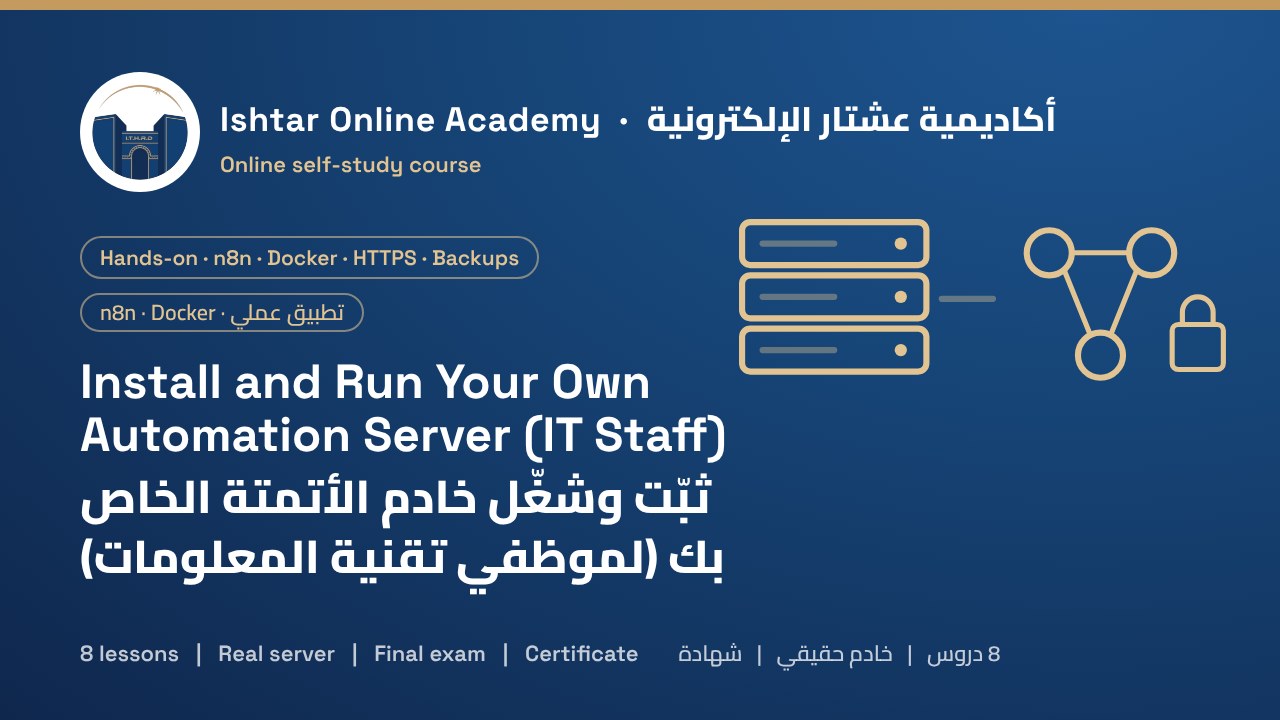
About this courseعن الدورة
When automations start running real business processes, many companies move them from n8n Cloud to their own server: lower monthly cost, no execution limits and data in a place they control. This course shows IT staff how to do it in a way that is secure and easy to maintain.
You follow Ahmed, the IT engineer of Babylon Logistics, an example company with 30 workflows on n8n Cloud. You compare cloud and self-hosting, including the licence, choose a VPS and point a domain to it. You harden Ubuntu 24.04 with SSH keys, a firewall, fail2ban and automatic security updates, then install Docker. A single compose file runs three containers: Caddy, which obtains HTTPS certificates automatically and is the only container facing the internet; n8n; and PostgreSQL. You set every option in a protected .env file and learn why the encryption key must be kept safe. You create the owner account, turn on two-factor authentication, invite users with the right roles and move workflows from n8n Cloud, re-creating credentials and webhook URLs. You schedule nightly backups of the database and data folder, copy them off the server and prove them with a restore test. Finally you update safely with pinned versions, monitor the service and complete a go-live checklist and runbook.
Every lesson has illustrated step-by-step screens, copy-ready commands and configuration files, short narrated videos and knowledge checks. Starter files include the compose file, .env template, Caddyfile, server setup and backup scripts, restore steps and a go-live checklist. The course ends with a 15-question final exam.
حين تبدأ الأتمتة بتشغيل عمليات عمل حقيقية تنقلها شركات كثيرة من n8n Cloud إلى خادمها: تكلفة شهرية أقل ولا حدود للتنفيذات وبيانات في مكان تسيطر عليه. تبيّن هذه الدورة لموظفي تقنية المعلومات كيف يفعلون ذلك بطريقة آمنة وسهلة الصيانة.
تتابع أحمد، مهندس تقنية المعلومات في «بابل للخدمات اللوجستية»، وهي شركة مثال لديها 30 سير عمل على n8n Cloud. تقارن بين السحابة والاستضافة الذاتية ومنها الترخيص، وتختار VPS وتوجّه نطاقاً إليه. ثم تقوّي Ubuntu 24.04 بمفاتيح SSH وجدار حماية وfail2ban وتحديثات أمنية تلقائية، وتثبّت Docker. ويشغّل ملف compose واحد ثلاث حاويات: Caddy الذي يحصل على شهادات HTTPS تلقائياً وهو الحاوية الوحيدة التي تواجه الإنترنت، وn8n، وPostgreSQL. وتضبط كل خيار في ملف .env محمي، وتتعلم لماذا يجب حفظ مفتاح التشفير. ثم تنشئ حساب المالك وتفعّل المصادقة الثنائية وتدعو المستخدمين بالأدوار الصحيحة وتنقل سير العمل من n8n Cloud مع إعادة إنشاء الاعتمادات وروابط webhook. وتجدول نسخاً ليلية لقاعدة البيانات ومجلد البيانات وتنقلها خارج الخادم وتثبتها باختبار استعادة. وأخيراً تحدّث بأمان بإصدارات مثبّتة وتراقب الخدمة وتكمل قائمة فحص الإطلاق ودليل التشغيل.
في كل درس شاشات توضيحية خطوة بخطوة، وأوامر وملفات إعداد جاهزة للنسخ، وفيديوهات قصيرة مع تعليق صوتي، وأسئلة للتحقق من الفهم. وتشمل ملفات البداية ملف compose وقالب .env وملف Caddyfile وسكربتي إعداد الخادم والنسخ وخطوات الاستعادة وقائمة فحص الإطلاق، وتنتهي الدورة باختبار نهائي من 15 سؤالاً.
Who it's forالفئة المستهدفة
IT administrators, system engineers and automation leads who will run n8n for a company. You should be comfortable with Linux on the command line, SSH and DNS. Experience with n8n (for example course H-1) helps. You need a VPS and a domain you control.
مديرو تقنية المعلومات ومهندسو الأنظمة وقادة الأتمتة الذين سيشغّلون n8n لشركة. يجب أن تكون مرتاحاً لـLinux في سطر الأوامر وSSH وDNS، وتفيدك خبرة في n8n (مثل الدورة H-1)، وتحتاج إلى VPS ونطاق تسيطر عليه.
What you'll gainما ستكتسبه
- Decide between n8n Cloud and self-hosting, including the licence
- Choose and size a VPS and point a domain to it
- Harden Ubuntu with SSH keys, a firewall, fail2ban and automatic updates
- Run n8n, PostgreSQL and Caddy with Docker Compose and automatic HTTPS
- Protect secrets and the n8n encryption key
- Set up the owner, two-factor authentication, users and roles
- Move workflows from n8n Cloud and update webhooks and credentials
- Schedule nightly backups, copy them off-site and test a restore
- Update safely with pinned versions and roll back when needed
- Monitor the service and write a runbook
- Receive a certificate on passing the final exam
- الاختيار بين n8n Cloud والاستضافة الذاتية ومنها الترخيص
- اختيار VPS وتحجيمه وتوجيه نطاق إليه
- تقوية Ubuntu بمفاتيح SSH وجدار حماية وfail2ban وتحديثات تلقائية
- تشغيل n8n وPostgreSQL وCaddy عبر Docker Compose مع HTTPS تلقائي
- حماية الأسرار ومفتاح تشفير n8n
- إعداد المالك والمصادقة الثنائية والمستخدمين والأدوار
- نقل سير العمل من n8n Cloud وتحديث webhooks والاعتمادات
- جدولة نسخ ليلية ونقلها خارج الموقع واختبار الاستعادة
- التحديث بأمان بإصدارات مثبّتة والتراجع عند الحاجة
- مراقبة الخدمة وكتابة دليل التشغيل
- الحصول على شهادة عند اجتياز الاختبار النهائي
Course outlineمحتوى الدورة
- Why self-host n8nلماذا تستضيف n8n ذاتياً Free previewمعاينة مجانية4 screens4 شاشات
- Server and domainالخادم والنطاق3 screens3 شاشات
- Harden the serverقوِّ الخادم3 screens3 شاشات
- Install n8n with Docker and HTTPSثبّت n8n مع Docker وHTTPS4 screens4 شاشات
- Owner, users and moving workflowsالمالك والمستخدمون ونقل سير العمل4 screens4 شاشات
- Backups you can trustنسخ احتياطية موثوقة3 screens3 شاشات
- Updates and monitoringالتحديثات والمراقبة3 screens3 شاشات
- Go liveالإطلاق3 screens3 شاشات
Course materialsمواد الدورة
- 1 supporting document to download, for enrolled studentsوثائق داعمة للتنزيل للمتدربين المسجلين: 1
- The full course as a PDF for offline studyالدورة كاملة بصيغة PDF للدراسة دون اتصال
How it worksكيف تعمل الدورة
- Pay by SuperQi, FIB or Zain Cash and upload your receipt below.ادفع عبر سوبر كي أو FIB أو زين كاش وارفع الإيصال أدناه.
- We verify the payment and email your login details.نتحقق من الدفع ونرسل لك بيانات الدخول بالبريد الإلكتروني.
- Study each lesson at your own pace. Your progress is saved automatically.ادرس كل درس وفق وتيرتك، ويُحفظ تقدمك تلقائياً.
- When every lesson is complete, the final exam unlocks.عند إكمال جميع الدروس يُفتح الاختبار النهائي.
- Prefer to study offline? Download the course PDF. When you confirm you've studied it, the exam unlocks.تفضّل الدراسة دون اتصال؟ نزّل الدورة بصيغة PDF، وعندما تؤكد أنك درستها يُفتح الاختبار.
- Pass the exam and we issue your certificate.اجتز الاختبار وسنصدر لك الشهادة.